
World record
The gold ghost
The leading verified run for this exact map and discipline, crowned in gold with the record holder's name underneath.
Ctrl + GwkRopeGP · WormKit module
Load a ghost-compatible RopeGP map and chase the verified world-record ghost plus the selected personal-best ghost, rendered directly inside Worms Armageddon.
v0.0.15 · 393 KB · Worms Armageddon 3.8.1 / x86 · Windows · DirectDraw, Direct3D and OpenGL testedSHA-256 FE783A80287CC123D37FC9A39CB9D593DFF4AB8F8013E8FB9DD4966674601F20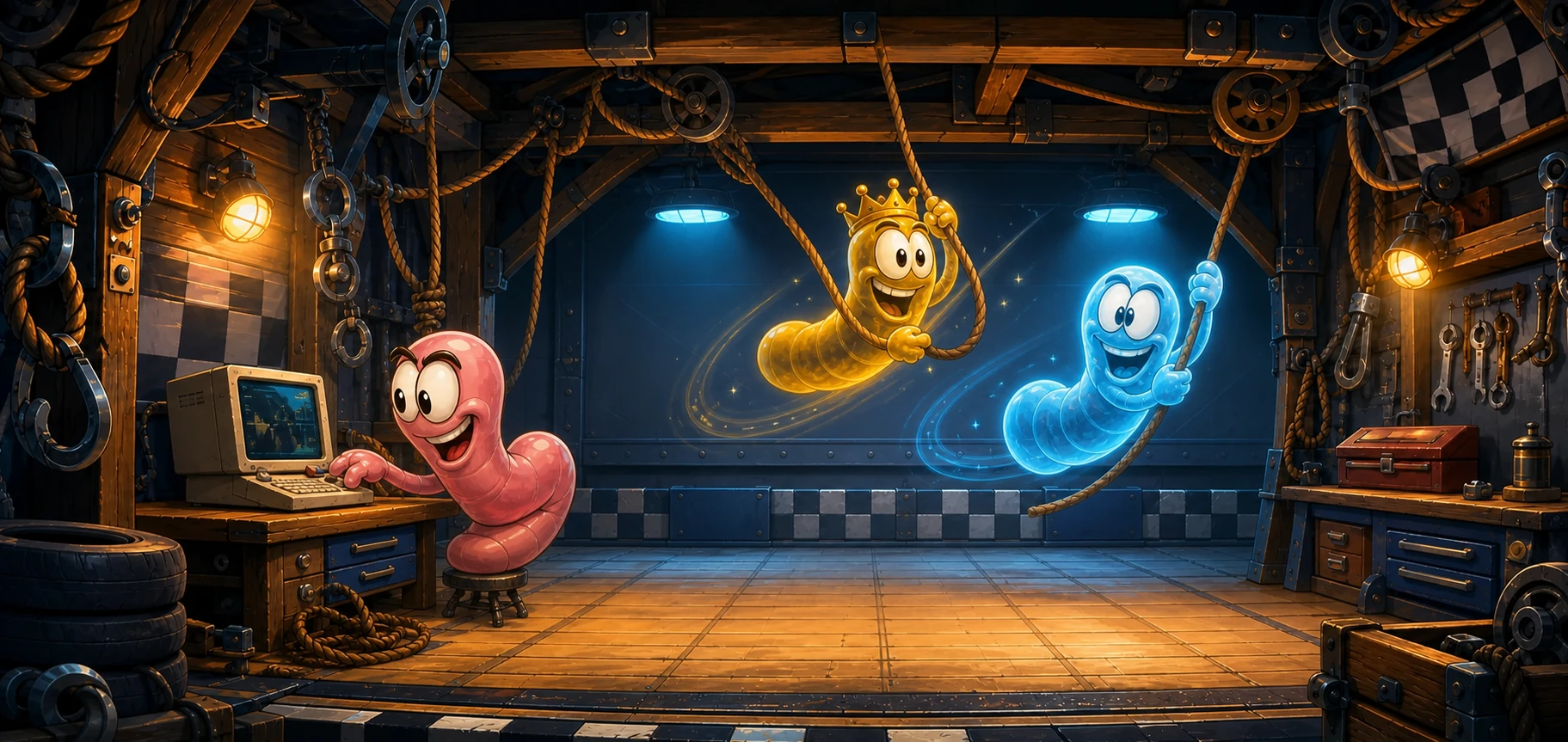
Ghost-ready map pack
Download every map that currently has at least one validated RopeGP ghost. Map-maker and recognisable series folders sit directly at the root of the archive, and the pack updates as new ghosts are published.
Download all maps580 of 580 eligible maps are included.
Two ghosts. Zero stopwatch maths.
World record
The leading verified run for this exact map and discipline, crowned in gold with the record holder's name underneath.
Ctrl + GPersonal record
Your best verified run follows the same start trigger. Nearby ghosts and ropes fade so your live worm always stays readable. Type !track 2 in the game chat to replace it with another ranked ghost, then !track me to restore your personal best. Rank 01 stays gold and cannot be duplicated.
TTRR + Trick Race
Both disciplines rank one continuous elapsed time. TTRR starts with your movement; Trick Race joins the replay's turns into one uninterrupted ghost run. Changing player or team restarts it.
BigRR + Bungee Race
Their progress is measured across turns. The matching ghost segment appears each round. On BigRR maps, every different worm in the same team can race that segment before its next attempt.
TTRR, BigRR, Trick Race and Bungee Race each use their validated playback mode. TUS remains the source of every TTRR, Trick Race and Bungee Race result; RopeGP provides one continuous scheme for all Trick Race leaderboards.
Pit-stop installation
Get the clean player package: playback DLL, minimal INI, installation readme and checksums — no extraction or debug tools.
Extract wkRopeGP.dll and wkRopeGP.ini beside WA.exe in your Worms Armageddon installation folder.
Open wkRopeGP.ini and fill PlayerName with your BigRR RopeGP name, or any public TUS nickname you want to track on a supported TUS leaderboard.
Pick an official scheme and map. The module recognises both, fetches the right ghosts and starts them on your first movement.
EndOfTurnGapEnabled0 to hide the local top-of-screen gap summary. BigRR compares your terminal route progress with the endpoints of the current WR and blue segments. TTRR deliberately shows no end-of-turn gap message; Bungee Race and Trick Race retain their validated clock comparisons. The message is drawn only on your screen, so it cannot alter an online match or a recorded replay.TurnTimerColorEnabled0 to keep W:A's normal timer colour. When enabled, the frame is green while you are ahead of the WR route and red while you are behind. TTRR and Trick Race colour the digits too; BigRR and Bungee Race keep their native digit colour.GoldOpacityPercent0 to 100. Zero makes it fully transparent; the default is 85.BlueOpacityPercent0 to 100. Zero makes it fully transparent; the default is 78.ProximityFadeEnabled0 to disable the automatic fade that keeps a nearby ghost from covering your live worm.ProximityFadeStartPixels72 pixels or farther, each ghost uses its normal opacity.ProximityFadeFullPixels14 pixels or closer, the ghost uses its minimum opacity.ProximityFadeMinimumOpacityPercent0 to 100; zero permits complete transparency. The fade only reduces opacity, so it never makes an already fainter ghost more opaque.No. The shortcuts only hide or show it; playback keeps its place.
Yes, after the first successful download for a map. A failed request never replaces the last known-good local cache.
DirectDraw, Direct3D and OpenGL all use the same tested ghost rendering path. Pick the renderer that works best on your PC.
Yes. Type !ranks to display the records available on the current map. You can then use !track X to change the blue ghost to whichever record you want to follow. Replace X with the rank you want to track, or use !track me to switch back to the player name configured in your .ini file.
No. End-of-turn gap messages are a renderer-only overlay drawn locally by wkRopeGP. They do not create game events, so replays and online opponents follow the original match even when another player does not have the module.
Yes. Enter the runner's worm name or placement number when you submit the replay. Moderation confirms the correct worm, and the published ghost follows only that attempt.
For BigRR, use your RopeGP name or a registered alias. For a supported TUS ghost, use the public TUS nickname whose result you want to follow.